

Software testing basics become easier to understand when you imagine this: your food delivery app freezes just as you’re about to pay. It’s frustrating, but now picture that same issue happening in a banking app or a hospital’s patient record system. The consequences are far more serious.
That’s exactly why software testing exists. It helps ensure applications work as expected before they reach users. Whether you’re building a website, mobile app, or enterprise software, testing helps identify defects early, improve quality, and reduce the risk of costly failures.
In this guide, you’ll learn what software testing is, why it’s important, the different testing types, the four testing levels, and the Software Testing Life Cycle (STLC). You’ll also discover the core testing principles that every beginner should know before starting a career in quality assurance (QA).
What Is Software Testing?
Software testing is the process of evaluating a software application to verify that it meets specified requirements, functions correctly, and is free from critical defects before release. It helps improve the quality, security, performance, and user experience of software.
In simple terms, software testing checks whether an application does what users expect it to do. It checks that all features work properly and finds bugs before they reach live customers.
Why Is Software Testing Important?
Software testing is needed to identify defects before software reaches users, enhance product quality, boost security, reduce development costs, and ensure applications function correctly in different conditions.
Skipping the testing might save some time in development, but it always leads to costly fixes after launch. Bugs found in production are usually much more expensive to fix than bugs found during development.
Testing also protects a company’s reputation. Frequent crashes, security issues, or slow performance can quickly reduce customer trust and increase user complaints.
Some of the biggest benefits of software testing include:
- Detects bugs early in development
- Improves software quality and reliability
- Reduces maintenance and support costs
- Strengthens application security
- Enhances user experience
- Prevents unexpected production failures
- Builds customer confidence and trust
For modern software teams, testing is no longer an optional step. It’s an essential part of delivering reliable products that users can depend on.
Types of Software Testing

Software testing is generally divided into manual testing and automated testing. Most software projects use a combination of both because each approach offers unique advantages.
1. Manual Testing
Manual testing involves a tester interacting with the application without using automation scripts. Testers click buttons, enter data, navigate different screens, and verify that each feature behaves as expected.
This approach works especially well for exploratory testing, usability testing, and situations where human observation is essential. However, repeating the same tests after every software update can become time-consuming.
Advantages
- Easy to start without programming knowledge
- Ideal for exploratory and usability testing
- Flexible for testing new features
Limitations
- Slower than automation
- Repetitive tasks require more effort
- Increased chance of human error
2. Automation Testing
Automation testing uses scripts and testing frameworks to execute test cases automatically. It’s commonly used for repetitive testing tasks that need to run frequently throughout development.
Popular tools such as Selenium, Cypress, and Playwright allow teams to test applications faster while improving consistency. Although automation requires an initial investment, it saves significant time on long-term projects.
Benefits
- Executes tests much faster
- Improves accuracy
- Saves time during regression testing
- Supports continuous integration and continuous delivery (CI/CD)
| Manual Testing | Automation Testing |
| Performed by humans | Performed using scripts and tools |
| Slower execution | Faster execution |
| Best for exploratory testing | Best for repetitive regression testing |
| Lower initial cost | Higher initial setup cost |
Four Levels of Software Testing
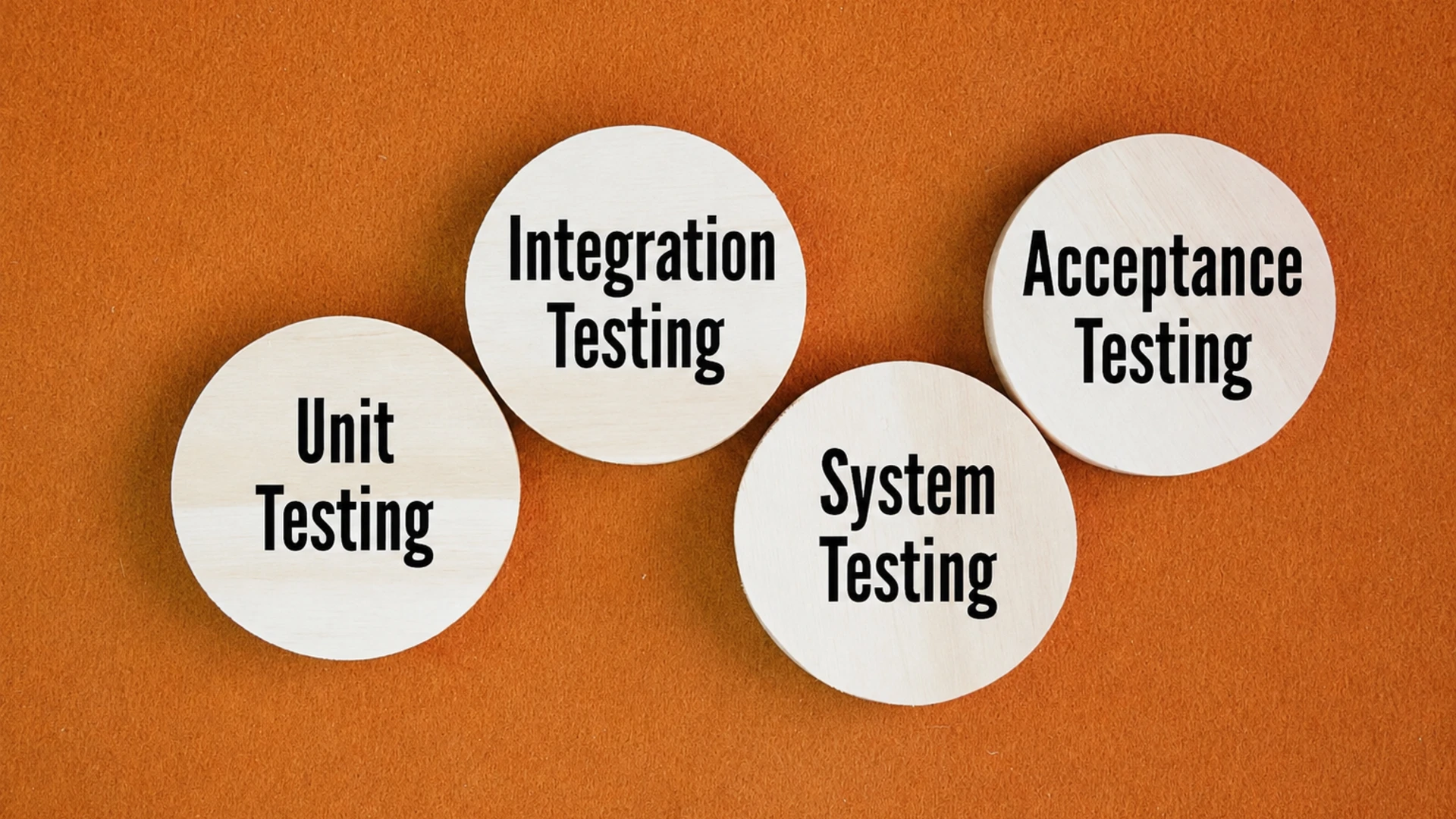
Software testing follows a layered approach known as the testing pyramid. Each level focuses on a different part of the application and helps ensure software quality from individual components to the complete system.
1. Unit Testing
Unit testing verifies the smallest pieces of code, such as functions or methods. Developers usually perform these tests during the coding phase to confirm that each component works independently.
2. Integration Testing
Integration testing checks whether different modules communicate correctly after being connected. It helps identify issues that may not appear when components are tested individually.
3. System Testing
System testing evaluates the complete application in an environment similar to production. QA teams verify that all features work together and meet the specified business requirements.
4. User Acceptance Testing (UAT)
User Acceptance Testing (UAT) is the final validation stage before release. Real users or business stakeholders test the application to confirm it satisfies their needs and is ready for deployment.
Comparison of Testing Levels
| Testing Level | Purpose | Performed By |
| Unit Testing | Tests individual components | Developers |
| Integration Testing | Verifies module interaction | Developers / QA |
| System Testing | Tests the complete application | QA Team |
| User Acceptance Testing (UAT) | Validates business requirements | End Users |
Functional vs Non-Functional Testing
| Functional Testing | Non-Functional Testing |
| Verifies software features | Measures software performance and quality |
| Checks business requirements | Evaluates speed, security, and usability |
| Smoke Testing | Performance Testing |
| Regression Testing | Security Testing |
| Sanity Testing | Load & Usability Testing |
Software Testing Life Cycle (STLC)
The Software Testing Life Cycle (STLC) is a structured process that QA teams follow to plan, execute, and complete software testing efficiently. Each phase has a specific objective, helping teams identify defects early while ensuring the application meets quality standards before release.
Instead of testing randomly, STLC provides a clear roadmap that improves collaboration, reduces risks, and keeps the testing process organized.
1. Requirement Analysis
The testing process begins by reviewing project requirements. QA engineers identify what needs to be tested, clarify unclear specifications, and determine the scope of testing.
A clear understanding of requirements helps prevent confusion and reduces the chances of missing important test scenarios later.
2. Test Planning
During this phase, the QA team prepares a testing strategy. This includes defining the project scope, selecting testing tools, estimating timelines, assigning responsibilities, and identifying potential risks.
A well-planned testing strategy keeps the entire project on track and ensures resources are used effectively.
3. Test Case Design
Testers create detailed test cases based on the project requirements. Each test case includes the testing steps, expected results, and necessary test data.
Well-written test cases improve consistency and make future regression testing much easier.
4. Test Environment Setup
Before executing tests, the required hardware, software, databases, and testing tools are configured to closely match the production environment.
A stable testing environment ensures that test results accurately reflect how the application will behave after deployment.
5. Test Execution
Once everything is ready, testers execute the test cases and compare the actual results with the expected outcomes. Any failed test is documented for further investigation.
This phase often includes both manual testing and automated testing, depending on the project requirements.
6. Defect Reporting & Tracking
When defects are discovered, they are logged in bug-tracking tools such as Jira with detailed information, including severity, priority, screenshots, and reproduction steps.
Developers fix the reported issues, and testers verify the fixes before closing each defect.
7. Test Closure
The final phase evaluates whether all testing objectives have been achieved. The QA team reviews completed test cases, defect reports, test coverage, and overall project quality before preparing the final testing report.
Test closure also provides valuable lessons that help improve future testing projects.
Software Testing Principles
Software testing principles are industry-recognized guidelines that help QA teams test software more effectively. Introduced by ISTQB, these principles improve testing efficiency and help teams focus on what matters most.
- Testing Shows the Presence of Defects: Testing can find bugs, but it can never guarantee that software is completely bug-free.
- Exhaustive Testing Is Impossible: It’s impossible to test every scenario, so focus on the most critical and high-risk areas.
- Early Testing Saves Time and Money: Finding issues early reduces development costs and prevents expensive fixes later.
- Defects Cluster Together: Most bugs are usually found in a small number of complex or high-risk modules.
- Beware of the Pesticide Paradox: Repeating the same tests over time becomes less effective, so test cases should be updated regularly.
- Testing Is Context-Dependent: Every application requires a testing approach based on its purpose, industry, and risks.
- Absence-of-Errors Fallacy: Software with no known bugs can still fail if it doesn’t meet user or business needs
Common Software Testing Tools
Different testing tools support different stages of the QA process. Choosing the right tool depends on the project’s technology stack and testing goals.
- Selenium: A popular tool for automating web application testing across different browsers.
- Cypress: Ideal for frontend and end-to-end testing with fast execution and easy debugging.
- Playwright: Supports reliable cross-browser testing for modern web applications.
- Jira: Helps teams track bugs, manage test progress, and collaborate efficiently.
- TestNG: A Java testing framework used for organizing and executing automated tests.
Common Challenges in Software Testing
Even experienced QA teams face challenges throughout the software development process. Identifying these obstacles early helps improve testing efficiency and software quality.
Some common challenges include:
- Frequently changing project requirements
- Limited testing time before release
- Unstable testing environments
- Incomplete test coverage
- Communication gaps between developers and testers
- Maintaining automation scripts after software updates
Strong planning, collaboration, and continuous improvement help overcome these challenges and deliver more reliable software.
Best Practices for Beginners
If you’re just starting your QA journey, following proven testing practices can help you build strong fundamentals from day one.
- Write clear and easy-to-understand test cases.
- Start testing as early as possible.
- Prioritize high-risk features first.
- Automate repetitive testing tasks whenever appropriate.
- Keep test documentation updated.
- Work closely with developers throughout the project.
- Review and improve existing test cases regularly.
As your skills grow, consider learning API testing, regression testing, and the Software Development Life Cycle (SDLC) to better understand how testing fits into modern software development.
FAQs
Software testing is the process of checking whether an application works correctly, meets requirements, and performs as expected before users start using it.
The four levels are Unit Testing, Integration Testing, System Testing, and User Acceptance Testing (UAT). Each level validates a different part of the application before release.
The Software Testing Life Cycle (STLC) is a structured process that includes requirement analysis, test planning, test case design, environment setup, test execution, defect reporting, and test closure.
Manual testing is performed by testers without automation tools, making it suitable for exploratory testing. Automation testing uses scripts to execute repetitive tests faster and more accurately.
Beginners often start with Selenium, Cypress, Playwright, and Jira because these tools are widely used in the software testing industry and offer excellent learning resources.